What’s your wallpaper?

Noodles

The sequel will probably be better.
Joined
Sep 20, 2018
Messages
6,059
Location
Illinois
SL Rez
2006
Joined SLU
04-28-2010
SLU Posts
6947
On my laptop I have this at the moment, but I cropped it to fit the screen, toned down the blue brightness and added the word "CHVRCHES" in a matching blue glow across the bottom.


On my desktop with two monitors I have this.


On the third monitor, which is a different computer, I have almost this. But it has a sort of glowing effect applied across it. I can't find the original.

 
Joined
Sep 19, 2018
Messages
6,769
Location
NJ suburb of Philadelphia
SL Rez
2003
SLU Posts
4494
BTW, if you're on Windows 10 and wondering where your wallpaper is, it's at %AppData%\Microsoft\Windows\Themes\CachedFiles
 
  • 1Thanks
Reactions: Rose Karuna

Free

*censored*
VVO Supporter 🍦🎈👾❤
Joined
Sep 22, 2018
Messages
42,457
Location
Moonbase Caligula
SL Rez
2008
Joined SLU
2009
SLU Posts
55565
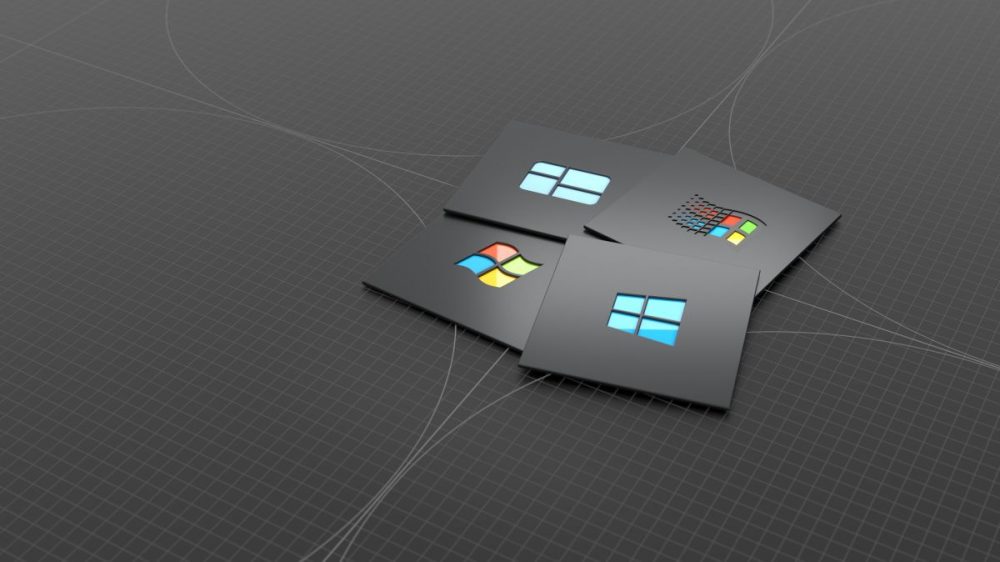
Sometimes I don't mind going brand endorsement when I like the design. And when I don't want a bunch of weird questions from my co-workers...


danielravennest

Well-known member
Joined
Sep 21, 2018
Messages
3,708
SLU Posts
9073
My wallpaper actually looks like wallpaper - a dark blue floral pattern. Its just there to be a non-distracting background for the desktop icons and open windows.
 
  • 1Like
  • 1Creative
Reactions: Isabeau and Soen Eber

Clara D.

Coffee Squirrel is judging you.
Joined
Dec 24, 2018
Messages
3,540
SL Rez
2006
Joined SLU
Back in the day.
SLU Posts
0
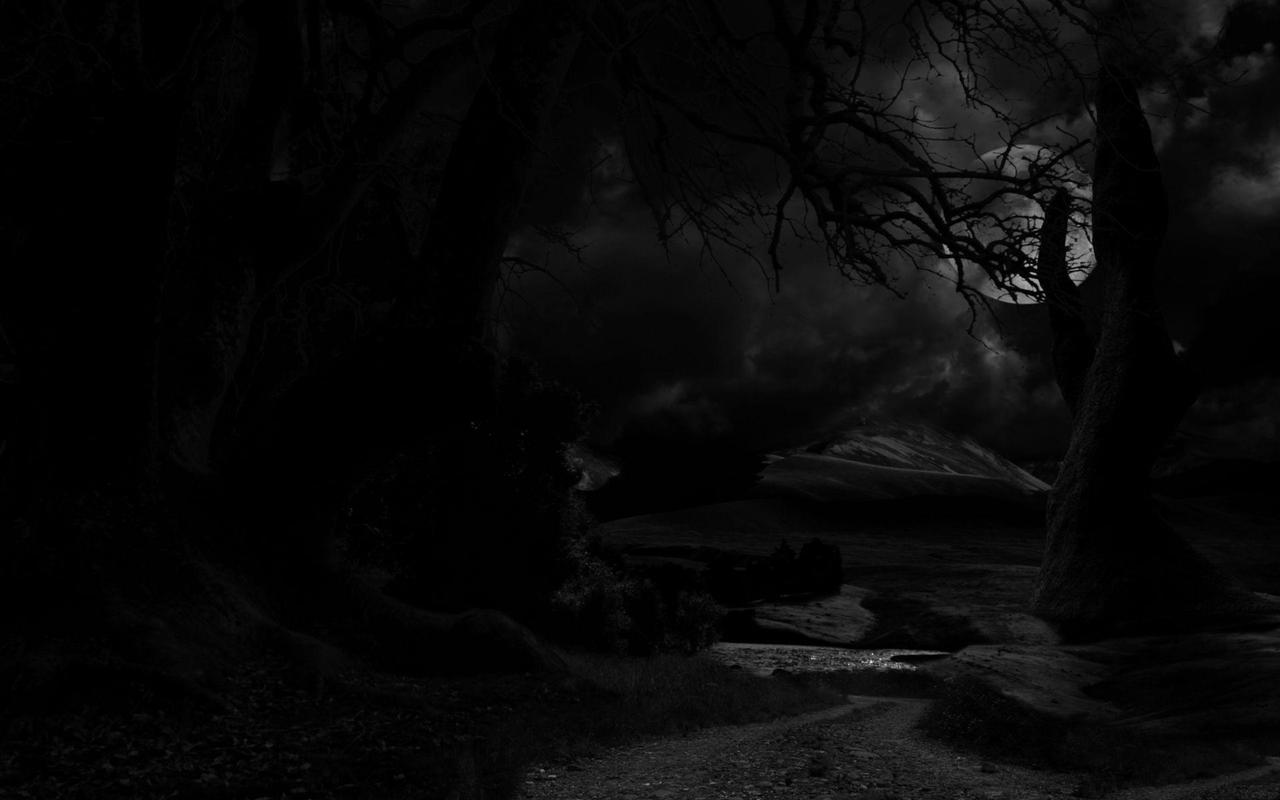
Moonlit forest I desaturaed in gimp, otherwise it's random black "Thinkpad" ones I hunted down.

 
  • 1Like
Reactions: Knutz Scorpio
Joined
Oct 8, 2018
Messages
33
Dual monitors... I regularly update with the latest/best picture of Mars
That's awesome! There is a Mars Environment in SteamVR that is pretty cool. It is a VR environment that is built using photogrammetry from Mars. It's like a little state park with the sign posts that shows you what you are looking at. You can also walk around and check out the Rover. It's a lot bigger than I had imagined it.

On topic: My background is simply all black. I like the contrast with the shortcut icons.
 

Romana

The Timeless Child
Joined
Sep 21, 2018
Messages
5,097
SL Rez
2010
Dual monitors... I regularly update with the latest/best picture of Mars
I also have dual monitors, but my number 2 monitor is to the left of my number 1 monitor, so a panoramic wallpaper wouldn't look right, sadly.
 

Govi

Crazy woman yells at clouds
VVO Supporter 🍦🎈👾❤
Joined
Sep 20, 2018
Messages
1,573
Location
North of Surf City
SL Rez
2004
Joined SLU
27.05.2009
SLU Posts
5294

This has been my desktop image for several years. It's the intersection of Hyde and Francisco Streets in San Francisco, looking north toward Alcatraz. When I was a school bus driver in the City, I saw many views of the City that were similar to this one. Staring at it during a phone call or some such is very peaceful. It doesn't fill my screen, leaving black borders at the two sides, which makes it easy to identify icons kept there.

It should be noted that the artist took considerable license with the left side of this view. Where trees and cozy looking windows are depicted, the reality is that there's an empty reservoir there. It's been empty all my life; I've never understood its function, now or when it was built.
 

Noodles

The sequel will probably be better.
Joined
Sep 20, 2018
Messages
6,059
Location
Illinois
SL Rez
2006
Joined SLU
04-28-2010
SLU Posts
6947
I also have dual monitors, but my number 2 monitor is to the left of my number 1 monitor, so a panoramic wallpaper wouldn't look right, sadly.
I think the OS can correct for that, unless you mean you move off the opposite side to get to the other monitor than you would expect.

On topic: My background is simply all black. I like the contrast with the shortcut icons.
I use black on my work PC, but mostly because one monitor is orient d vertically, and Wallpaper doesn't play nice with that mix. There are 3rd party programs that could make it work but I can't use that on my work PC.
 

Katheryne Helendale

🐱 Kitty Queen 🐱
Joined
Sep 20, 2018
Messages
10,479
Location
Right... Behind... You...
SL Rez
2007
Joined SLU
October 2009
SLU Posts
65534
I also have dual monitors, but my number 2 monitor is to the left of my number 1 monitor, so a panoramic wallpaper wouldn't look right, sadly.
Couldn't you rearrange the monitors and designate the right-side one as primary?
 

Cat Fratica

Disillusioned
Joined
Oct 11, 2018
Messages
118
Location
England
SL Rez
2006
Joined SLU
12/26/2006
SLU Posts
0
That's awesome! There is a Mars Environment in SteamVR that is pretty cool. It is a VR environment that is built using photogrammetry from Mars. It's like a little state park with the sign posts that shows you what you are looking at. You can also walk around and check out the Rover. It's a lot bigger than I had imagined it.
I have a Quest 2 - but have not connected it to Steam - I will now! Thanks.


I also have dual monitors, but my number 2 monitor is to the left of my number 1 monitor, so a panoramic wallpaper wouldn't look right, sadly.
You can easily adjust that in Windows - Display Settings! If you need more control use the free version of Display Fusion - www.displayfusion.com/
Surely you need to set up like that for your mouse cursor to move from one to the other correctly!?
 

Romana

The Timeless Child
Joined
Sep 21, 2018
Messages
5,097
SL Rez
2010
Couldn't you rearrange the monitors and designate the right-side one as primary?
I have done. The right side one had to be the primary, because of the way I had to set up my workstation in this apartment. So the wallpaper starts on the right one and continues on the left one.
I suppose that might work with something like the Mars landscape, but other things it just looks bizarre.
How do I keep the right monitor as the primary, but have the wallpaper start on the left? Divide it in two and put it back together differently?